
Go access the new flexible batch search, simply login to ExclusionCheck, hover over Search until a drop down appears, and select Batch Search (New).
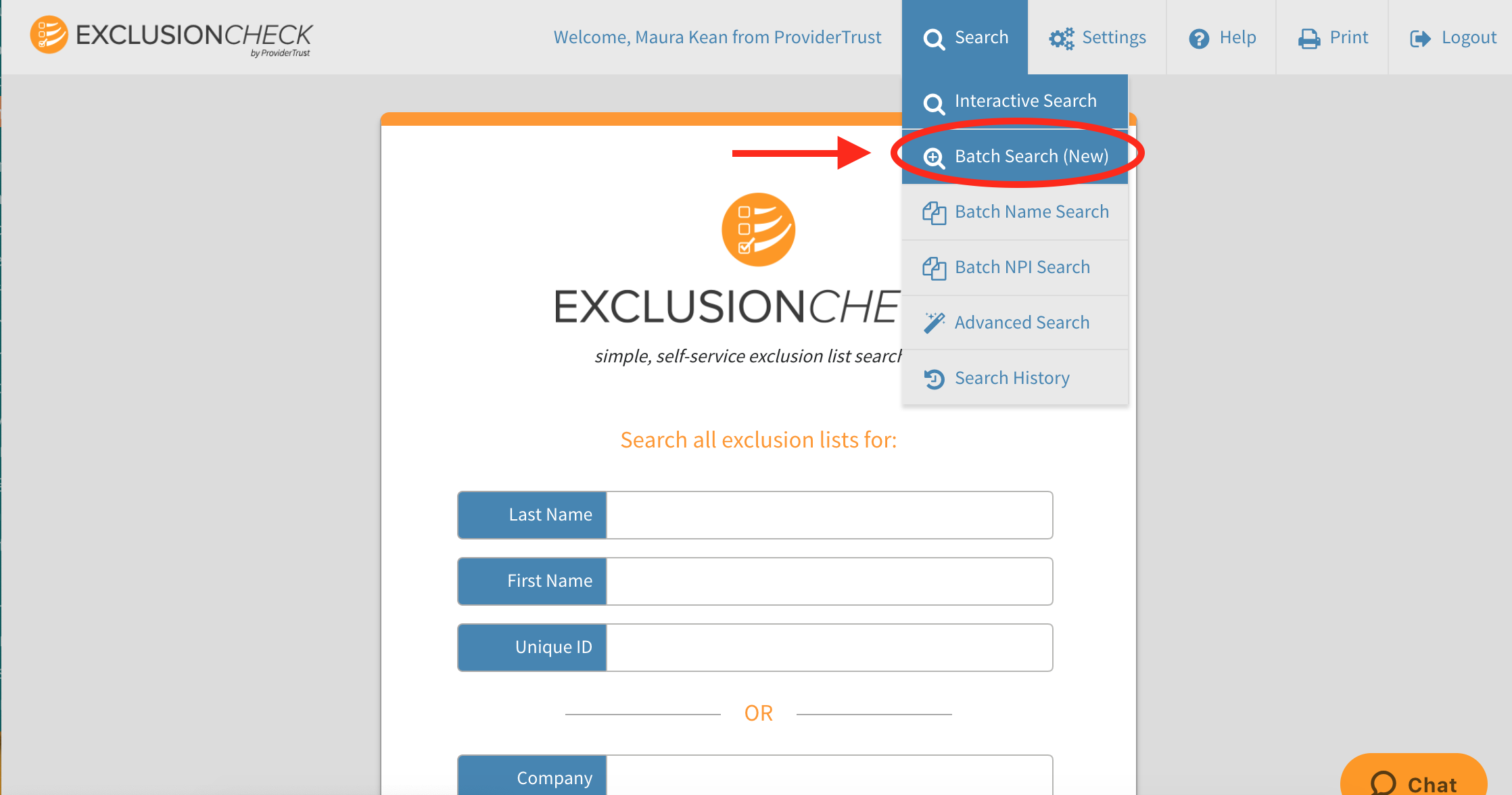
Next: Learn more about the Batch Search Dashboard or go ahead and upload your batch search using the following instructions: How To Upload a New Batch?
Need more support? Follow along with our batch search training video available at: New Batch Search Video Walkthrough
Comments
0 comments
Article is closed for comments.