
Please note: ExclusionCheck Name and NPI Batch options have been replaced with New Batch Flexible Search. While you may continue using the older versions of NPI and Name Batch, they will not be receiving any further development. We encourage you to transition your existing batch searches to New Batch for an improved user experience. Visit our Help Center to learn more about our New Batch Search Functionality: How to Guide: New Batch Search
You can search exclusions in bulk by uploading a batch file. To upload a batch you'll first want to download our templates found at the bottom of the "Batch Name Search" page.
For accounts without SSNDMF searching you'll find two templates, a "Long Form" and "Short Form." For accounts with SSNDMF searching you'll find just one template.


Each of the templates have columns for inputting your search information.
- Last Name
- First Name
- Company Name (Name of the company you want to search. Should not be filled in if searching for individuals.)
- Unique ID (Only in the Long Form and SSNDMF templates. The unique ID allows you to distinguish between two searches with the same search criteria. i.e. You have two employees named Sam Smith.)
- SSN (Only in the SSNDMF template for SSNDMF searching.)
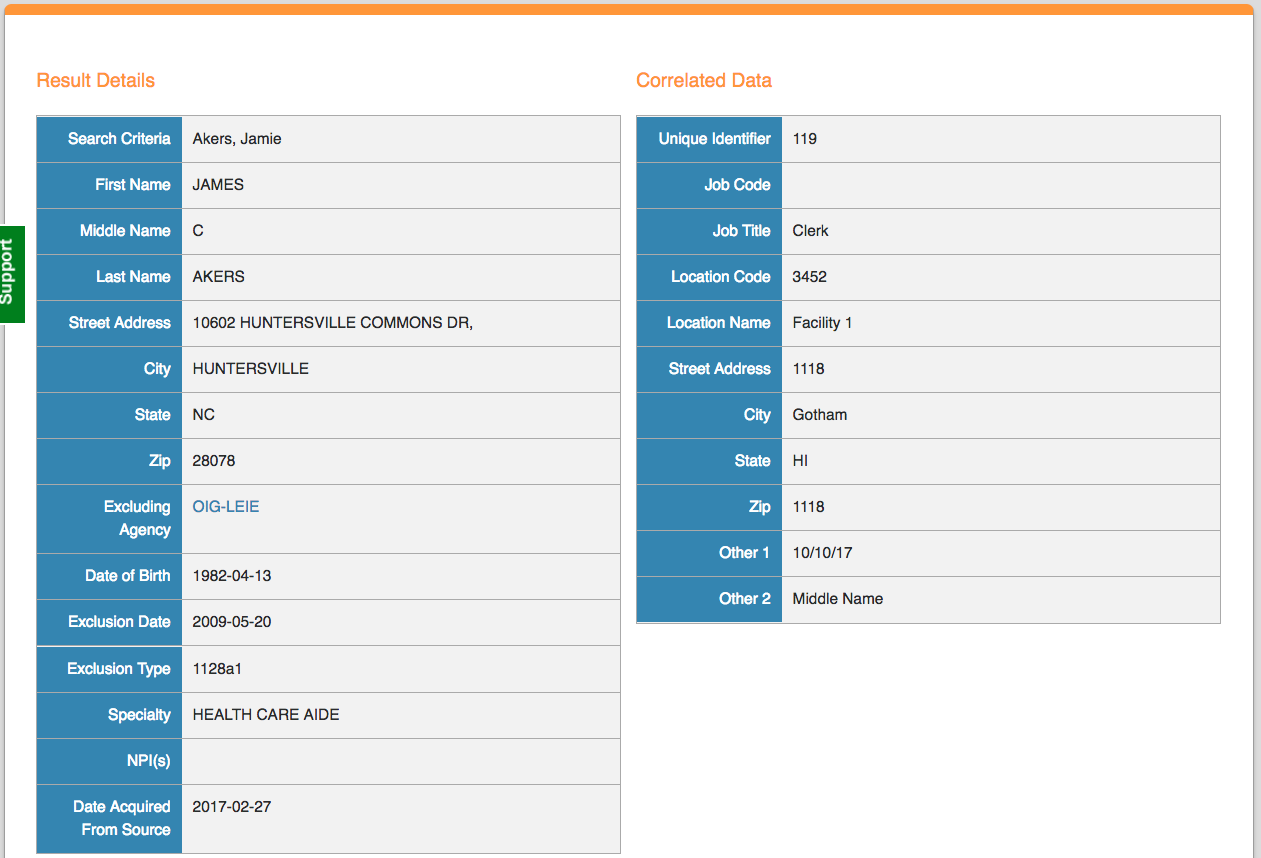
The Long Form and SSNDMF template also allow you to input correlated data. While correlated data is not searched against exclusion information it will appear alongside source provided information when reviewing a record that may help in a determination.
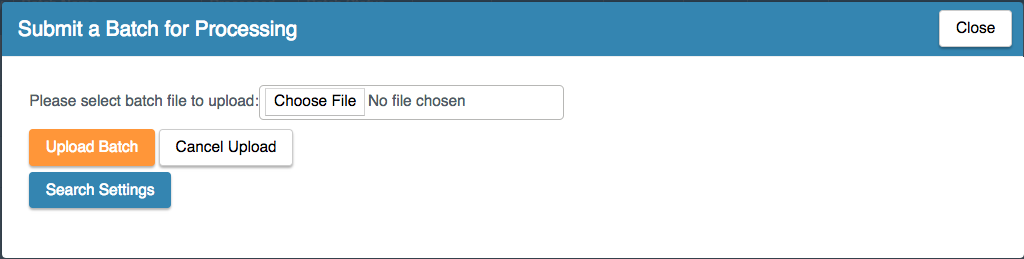
Once you've input all necessary information into your file you're ready to upload it in ExclusionCheck. At the top of the "Batch Name Search" page you'll click "Submit New Batch".

Select the file you want to upload. Then if you don't want to change any search settings you can select "Upload Batch" and file will begin to process.
The file will then appear in the table on the Name Batch Search Page in a submitted status. The status will change to "Processing" once it begins searching. This can take a few seconds to minutes depending on the file size. Once it's finished we'll send you an email to let you know and the status will change to "Processing Complete". You can then review your results.

*Please note that the file will fail upon upload if you change any of the headers on the templates.
Comments
0 comments
Please sign in to leave a comment.